
Update 2022-08-25
Seems that this is not gonna be free anymore 🙂
https://blog.heroku.com/next-chapter
I was watching a YouTube video from https://twitter.com/thecybermentor and wanted to spread the word to my 2 followers. This is a great way to get started with web application hacking. You will set up your own environment in seconds.
After the deployment go to https://pwning.owasp-juice.shop/ and do the 95 challenges.
Step1
Create a free account on https://heroku.com
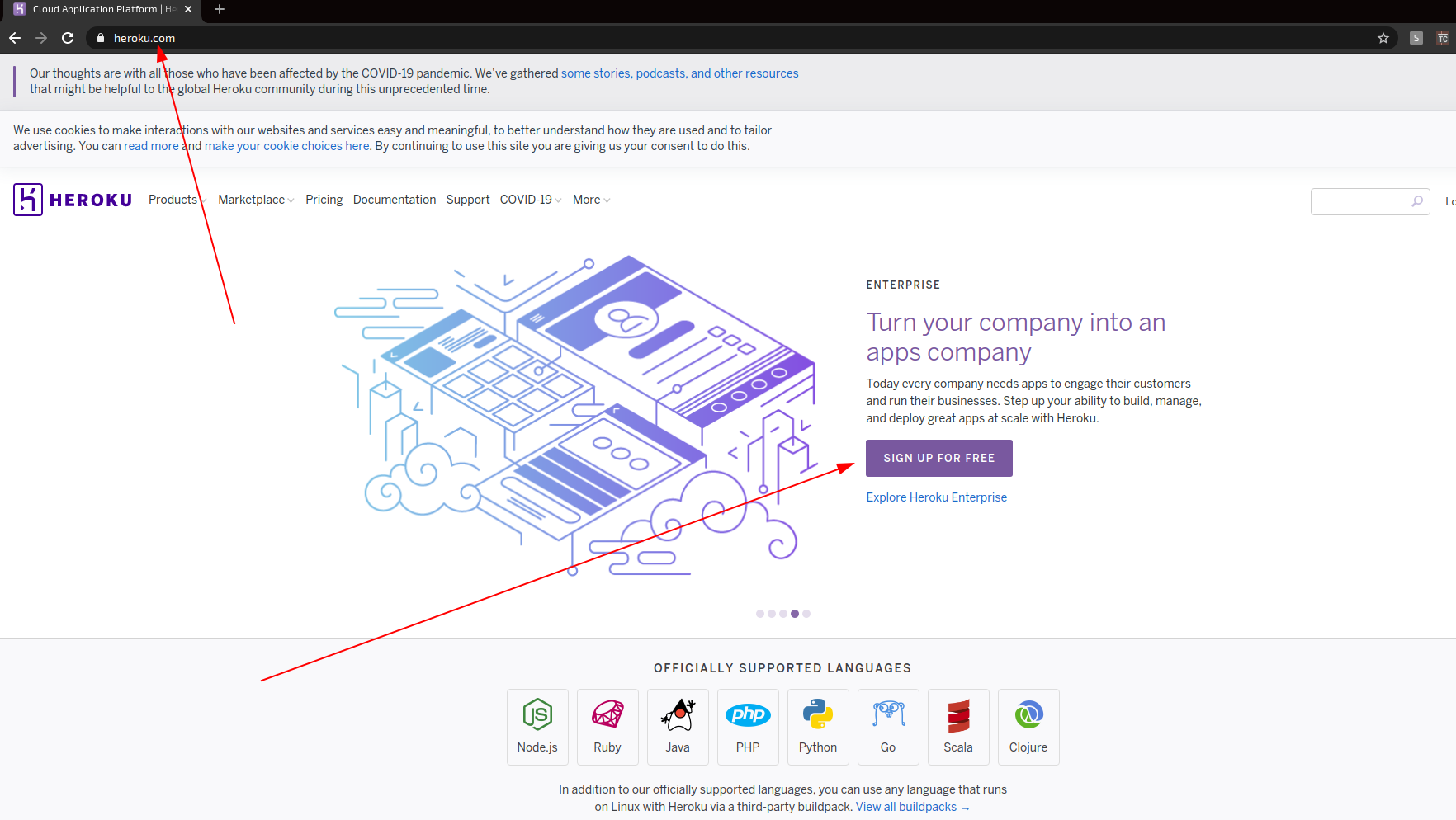
Step 2
Go to below address and deploy your juice-shop application for free
https://elements.heroku.com/buttons/bkimminich/juice-shop
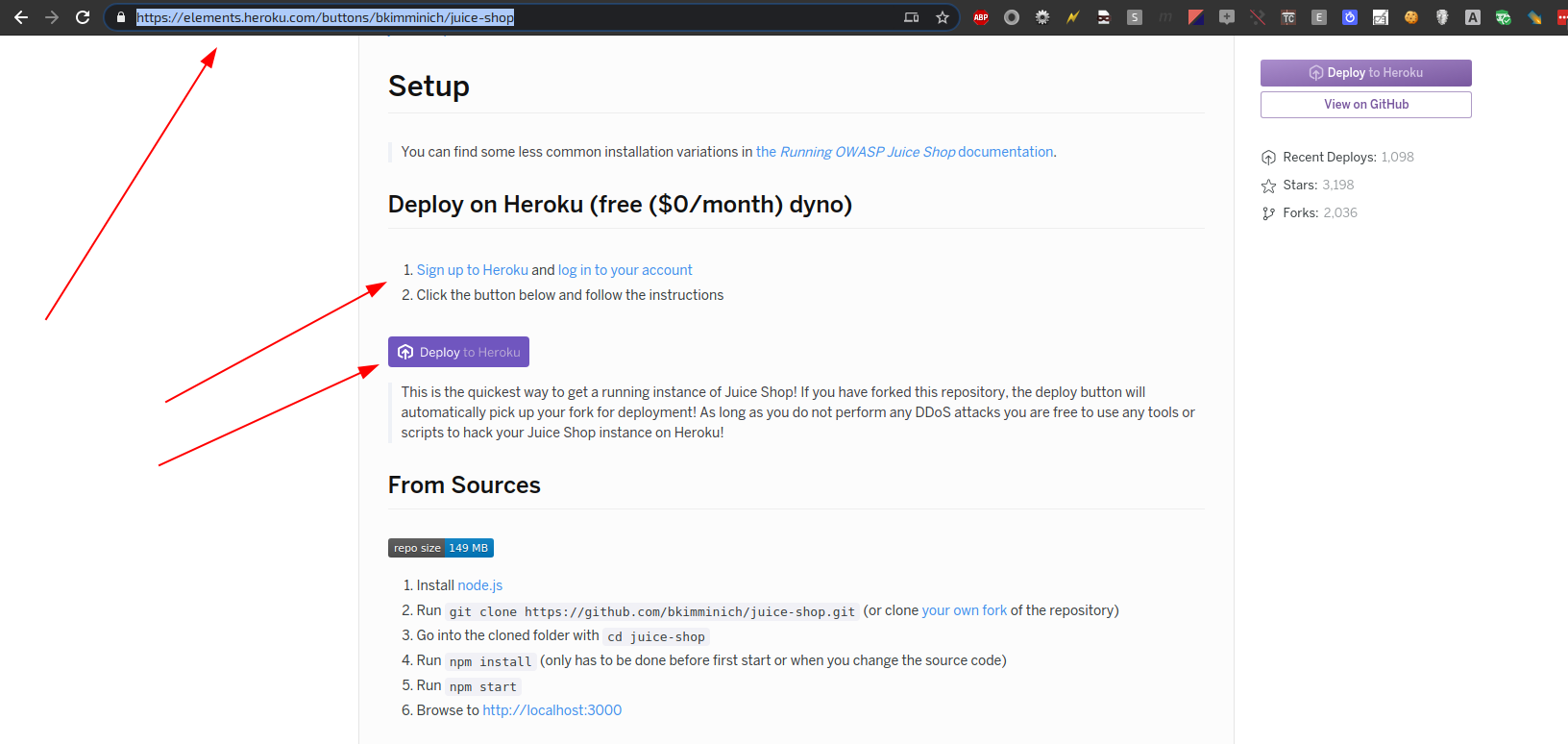
Now the final step before begin hacking.
- Appname
- Choose region
- Deploy app

After some minutes the application is done

Step 3
Now you can start hacking!
https://pwning.owasp-juice.shop/
https://juice-shop-roger.herokuapp.com/#/

 Tips and Tricks