
Hi!
When I was looking into HA with haproxy I stumble up on LoadMaster from Progress, yes they bought Kemp company in 2021. I wanted to create a almost free soloution for ntp, dns services on the network and HAproxy can not to udp (what I know). Today we are gonna test the free version from Progress. There is some limitation if you compare it to the paid ones, I wonder why. Not everything nice is free. For this to work you need to create account on progress site.
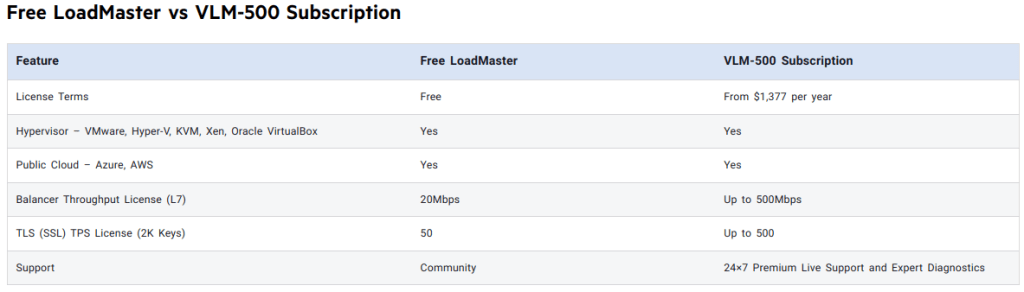
We start with the short list that we are gonna do today.
- Download OVA
- Install
- Config
- Test
We start to download the OVA from https://freeloadbalancer.com/
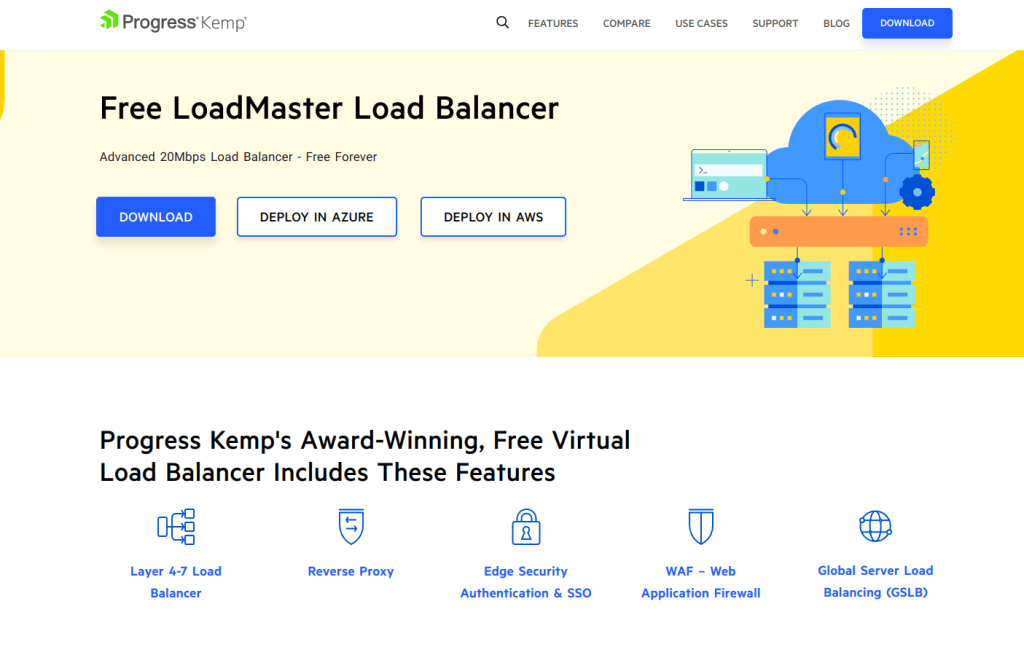
Deploy the OVA to your choosing of virtulization plattform. When this OVA is deployed start it and it look like ths:

Login in to the applince with default username and password to set the IP
Set the IP, Defaultgateway and DNS

Then it is time to get this free version a license
Get a webbrowser and put in https://ipadress of appliance and press agree.

Fill in you account

Then you need to make a choice if you wanna pay or do the free version. Press Continue
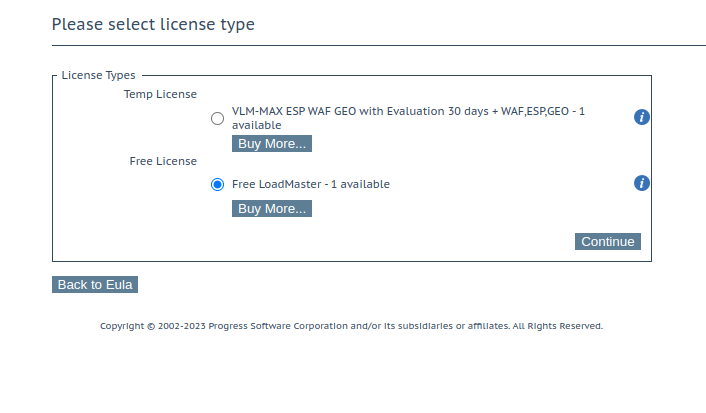
Your will see this if the license is ok

Set the password for the appliance

After this you you to enter the new password to login to the applince then you will see this screen

There is a lot of stuff to go thru. Here is the expanded view of the meny

Setup the appliance and configure DNS proxy
Time to setup DNS as a service for this. So you only have to point to 1 ip address on the network but you will have multiple DNS serv er behind the proxy.

Template
We start to download som templets so you do not need to invent everything
Templetes: https://support.kemptechnologies.com/hc/en-us/sections/200428856
DNS template: https://support.kemptechnologies.com/hc/en-us/articles/360049097812-DNS-Load-Balancing
Import Template into the appliance

Configure Virtual IP for DNS
Add both TCP and UDP and use DNS template that you imported above.

You have now 2 virtual service on same ip (tcp and UDP)

Time to add backend servers. Do this for both TCP and UDP Virtual Address:s
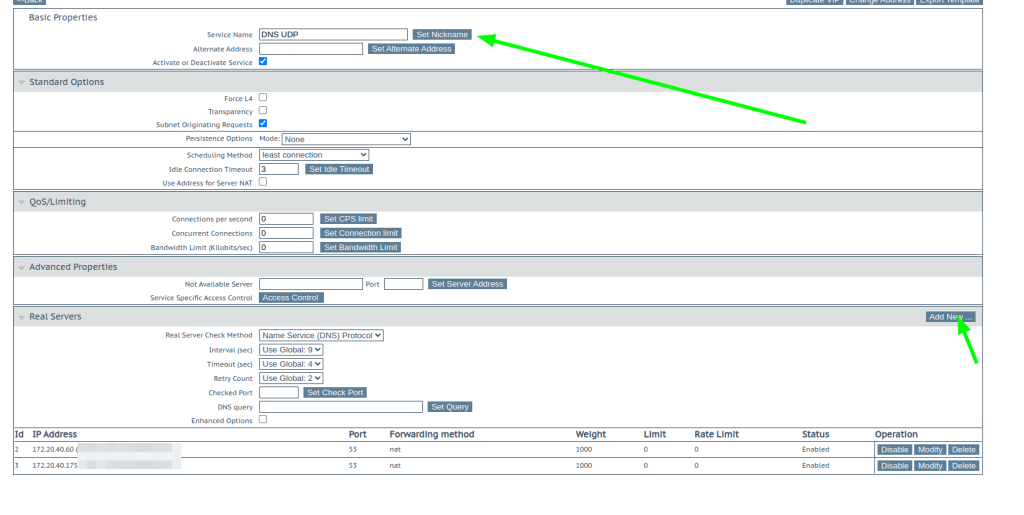
Time to test
Did “some” nslookup agains the virtual ip and see the load

Progress will collect data from your appalince to track that you do not exceed the “free” version caps!
Login to support site and you will see the appliance: https://support.kemptechnologies.com/

That was all for today!
Keep hacking!
//Roger
 Tips and Tricks
Leave a comment