
Microphone seems not to work in any application, audio out is working in 3,5mm or in usb headset but not any mic.
- Update Virtual Box in my case I am running 6.04
- Install Guestadditions
- Control panel
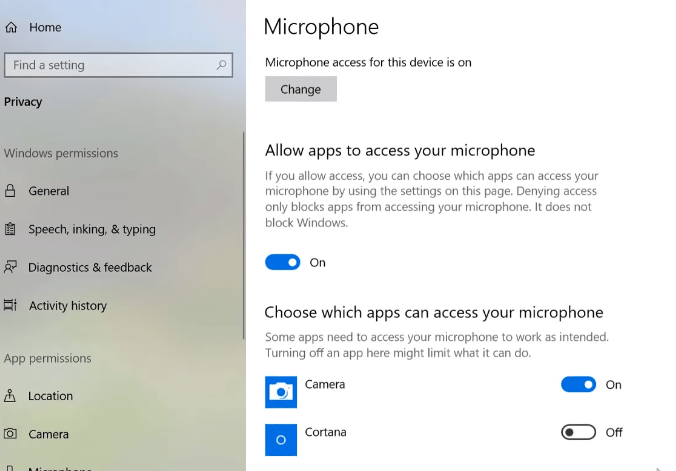
- Go to privacy
- Choose Microphone
- Choose to use the mic in apps
Then my mic was working!
 Tips and Tricks
Leave a comment