Goal
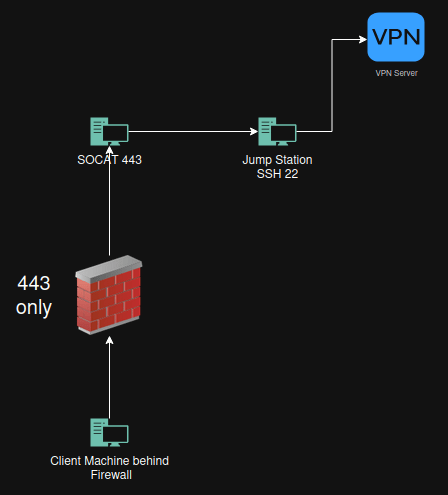
Bypass firewall to get out with ssh
Bypass firewall to use VPN client inside network that blocks for example Fortinet vpn client on port 443
Bypass firewall to get access to get to a machine inside my own network.
Why this works
Why This Works
Simply running SSH on port 443 does not bypass modern firewalls because they inspect traffic content not just port numbers. When plain SSH is moved to 443 deep packet inspection immediately identifies the SSH protocol and blocks it.
This method works because SSH or VPN traffic is wrapped inside a real TLS session using OpenSSL. Making it indistinguishable from normal HTTPS traffic. The firewall sees a valid TLS handshake encrypted data and an allowed destination port so it lets the connection through.
Socat terminates TLS on the socat host and forwards the decrypted traffic internally effectively tunneling forbidden protocols inside trusted HTTPS.
In short: changing the port does nothing, changing the protocol does everything.
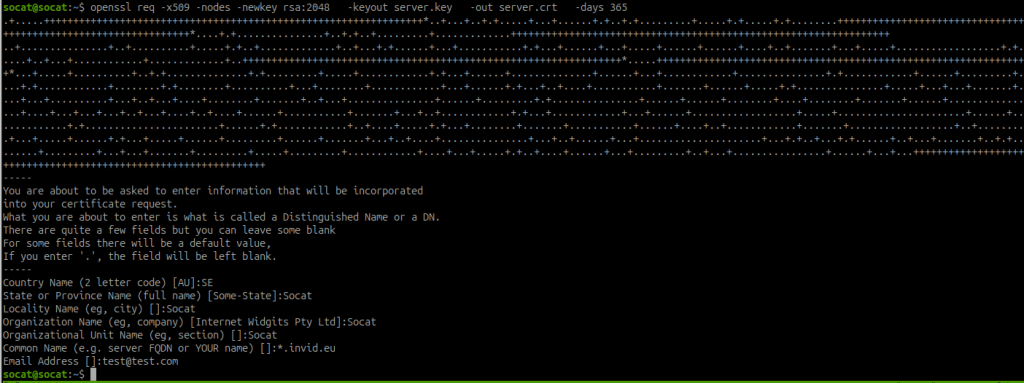
Create a certificate for Socat
openssl req -x509 -nodes -newkey rsa:2048 -keyout server.key -out server.crt -days 365
Create pem file for Socat
cat server.key server.crt > cert.pem
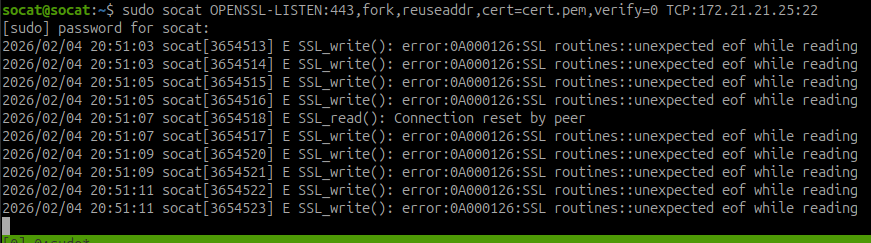
Create Socat listener on port 443 and transfer it to a machine on port 22
The jumpstation has in this case 172.21.21.25 (internal network)
sudo socat OPENSSL-LISTEN:443,fork,reuseaddr,cert=cert.pem,verify=0 TCP:172.21.21.25:22
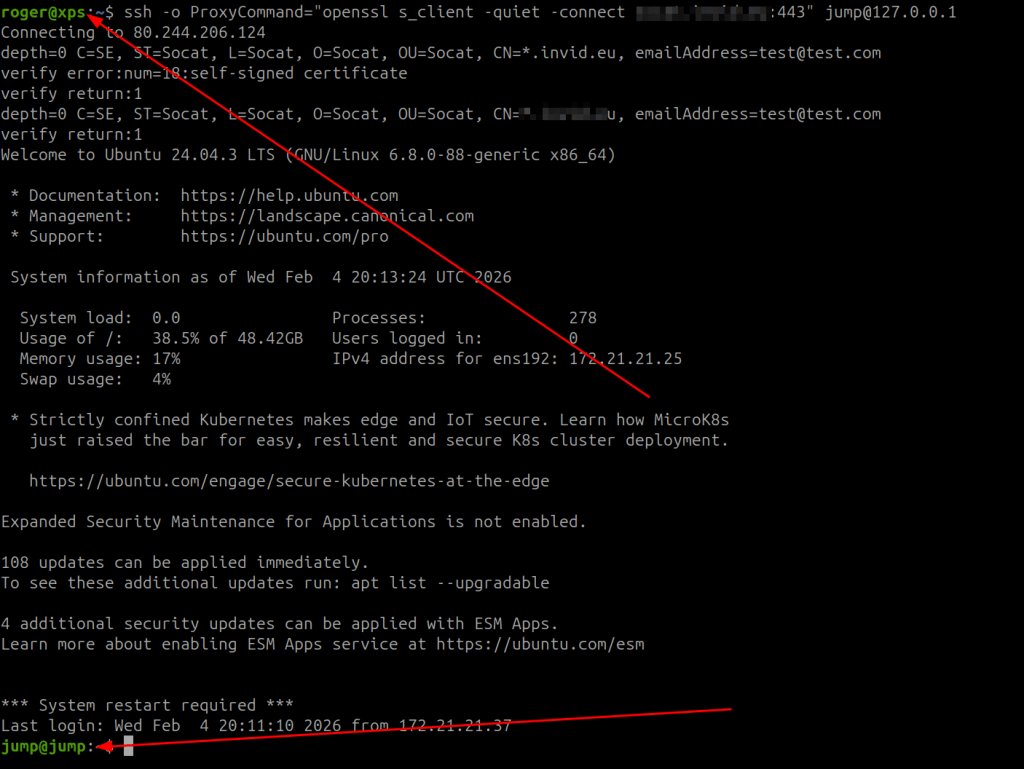
Client Side behind Firewall
SSH to jumpstation
ssh -o ProxyCommand="openssl s_client -quiet -connect 81.4.2.260:443" jump@127.0.0.1
VPN Client thru Jump jumpstation
ssh -o ProxyCommand="openssl s_client -quiet -connect 81.4.2.260:443" -N -L 127.0.0.1:443:vpn.host.host.se:443 jump@127.0.0.1

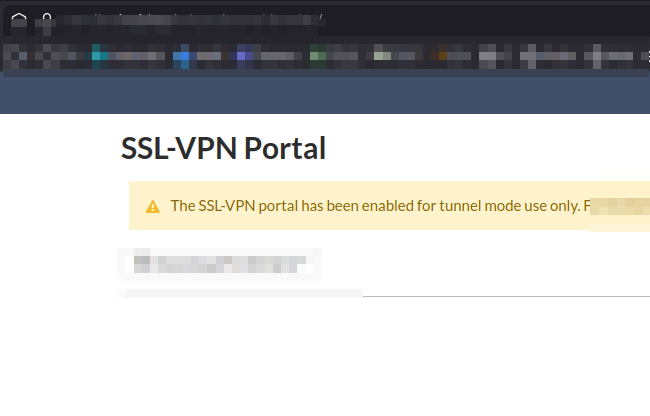
127.0.0.1:8443 or vpn address (vpn.host.host.se)
That all.
Keep hacking!
//Roger
 Tips and Tricks
Leave a comment